
Configure a phone number range
On the Hosted Pro license, lifecycle management can draw numbers from a range you define. When you add a user to a bound security group, lifecycle management assigns them the next number from that range.
To define a range:
-
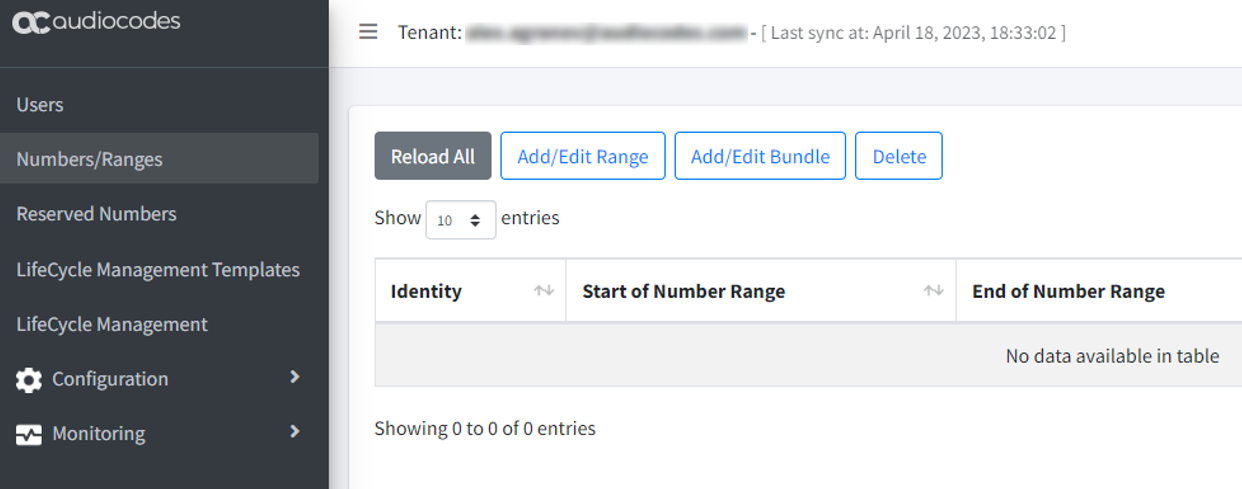
In the Teams Management portal, select Numbers/Ranges.
-
Click Add/Edit Range.
-
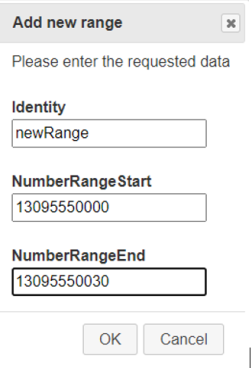
Enter the range.
-
Click OK.
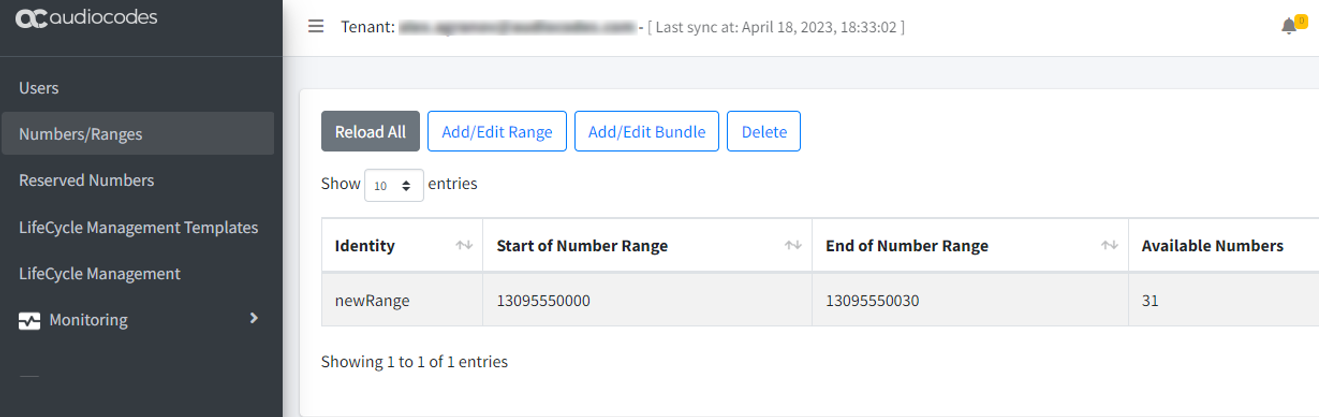
One range is often enough. Where it is not, group several ranges into a phone numbers bundle.